

Thermal Battery System Start Up
System Commissioning with the Harvest Tech App
Power on the Harvest Pod.
Connect your phone/tablet/laptop to the Harvest Pod’s WiFi access point
- The network name (HarvestPodXXXX) and password can be found on the label on the bottom of the Pod
- Wait at least 5 minutes after powering the pod before attempting to access the Harvest Tech App.
Navigate to “http://harvestpodXXXX.local” using an internet browser, where “XXXX” is the same as the name of the network.
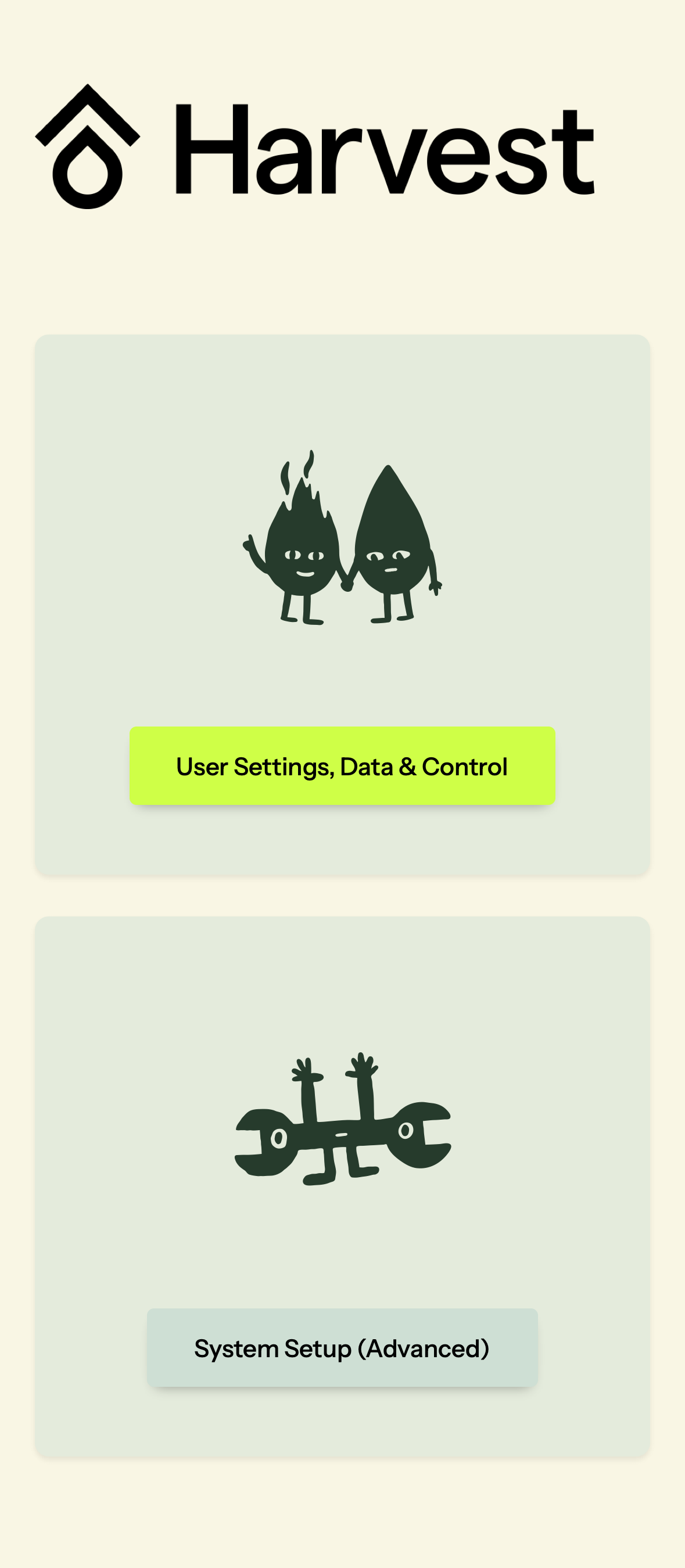
Select System Setup (Advanced)
Configure the Internet Connection, and look for a green “Connected” indicator:
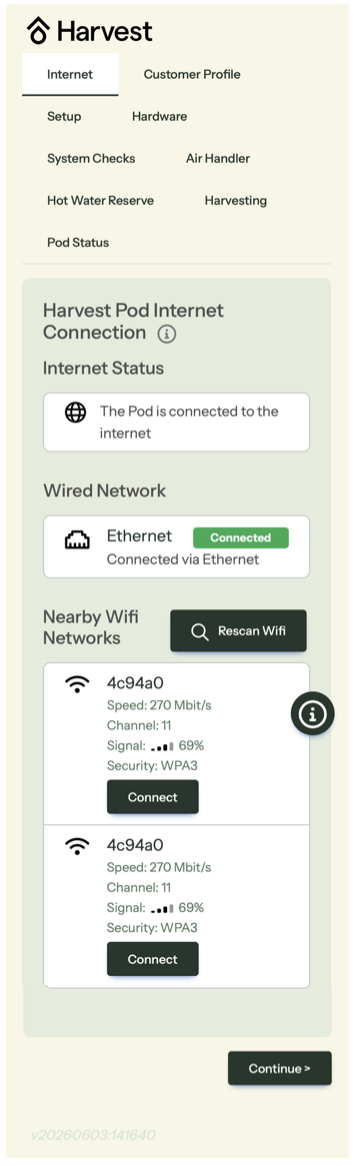
Please follow the prompts through the rest of the Harvest App to test and commission the system.